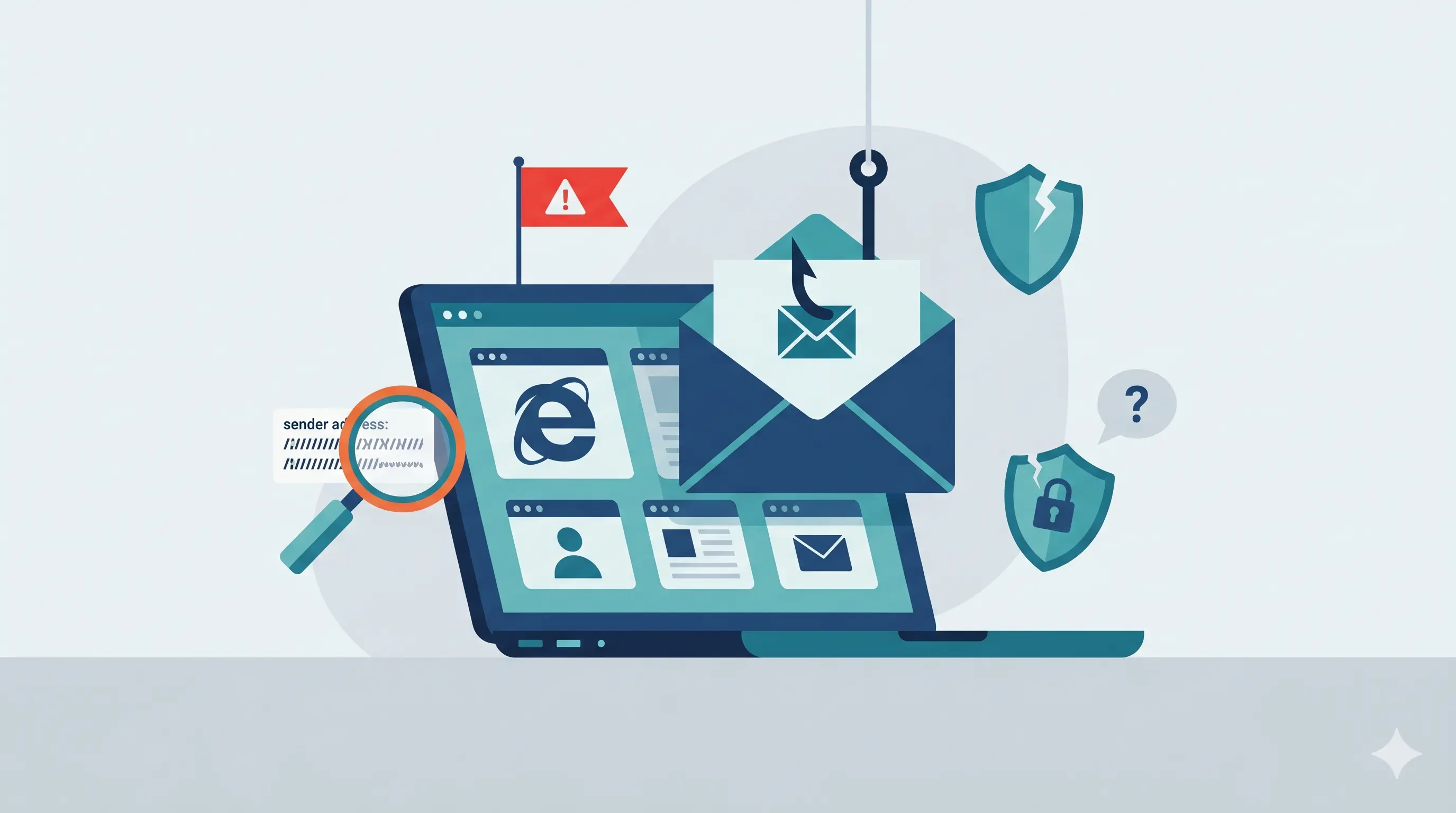
Cybersecurity Awareness: Phishing
As we mark Cybersecurity Awareness Month, it's worth revisiting just how important it is to protect ourselves in the digital world. Cybercriminals have many ways to get to your data, but one of the most common remains phishing. The good news is that several simple, effective strategies can help you guard against it.
Understanding Phishing
According to GetCyberSafe.ca, phishing is a common tactic used by cybercriminals to steal your personal and financial information.[1] These attacks often take the form of fraudulent emails containing links to fake websites, pushing you to enter your login information. The messages can look legitimate at first glance, but they're designed to deceive. It's up to the recipient to stay vigilant and to report any suspicious email.
How to Protect Yourself Against Phishing
Here are a few best practices to help reduce the risk:
Check the sender
Be alert to unusual email addresses, or ones that have been slightly altered (e.g., support@micros0ft.com). Adding or swapping a single letter can make a fraudulent address look credible at first glance.
Don't rely on the display name alone: take the time to check the full address. Even if the name looks familiar, it's important to confirm the associated email address, especially if the message seems unusual. For example, if you receive an email claiming to be from your manager asking for your phone number so they can continue the conversation by text, be cautious.
Analyze the content of the message
Be wary of messages with an alarming or urgent tone. Cybercriminals exploit a sense of urgency to push people into acting quickly, often without thinking. Whether it's to avoid having an account suspended or to claim a prize by clicking a link within the next 10 minutes, these messages are designed to rush you. In situations like that, take the time to carefully analyze the content before reacting.
Watch for spelling or grammar mistakes. Fraudulent emails often contain language errors. While everyone makes mistakes, it's rare for official communications from reputable institutions to contain major ones.
Never click on suspicious links
Never click on a suspicious link, no matter where it comes from. These links can redirect you to fraudulent websites designed to harvest your personal information. The same principle applies to unexpected attachments: they can contain malicious software capable of infecting your computer.
Even if the email comes from a known sender, stay cautious. That person may themselves be the victim of a cybersecurity incident. When in doubt, reach out to them through another channel (phone, internal messaging, etc.) to confirm the message is legitimate.
Leverage the technology already at your disposal
Strengthen your protection with the right technology tools.
Two-factor authentication should be enabled wherever possible to secure your accounts. Favor an authenticator app or a physical key over SMS. It adds an extra layer of protection: even if your password is compromised, gaining access to your account without the second factor will be much harder for a cybercriminal.
Another effective measure is to use anti-phishing filters. Email services like Google Workspace and Microsoft 365 already include this kind of protection. Take the time to familiarize yourself with the various controls available.
Test yourself!
Use a testing platform to send simulated phishing messages to your employees. This helps sharpen their reflexes when it comes to spotting phishing attempts. It also lets you identify which team members could benefit from additional training.
Conclusion
Cybersecurity is a shared responsibility. By understanding threats like phishing and adopting careful habits, we help protect our own data and that of our organization. Even when an email comes from a known contact, if it's unexpected or unusual, it's wise to treat it as suspicious. When in doubt, it's always better to confirm with the sender before interacting with the message.