In the digital age, data security has become an essential priority for every business, regardless of size. Today, despite the growing popularity of passwordless access, many accounts are still protected by a password. And the sheer number of these secrets can quickly become a headache. Who hasn't considered using the same password for every account, or going with simple, easy-to-remember ones?
Unfortunately, while convenient, these practices come with serious risks. Poorly managed or weak passwords can open the door to cyberattacks. That's why using a password manager has become an essential solution — one that strengthens security while simplifying access management.
But first… what exactly is a password manager?
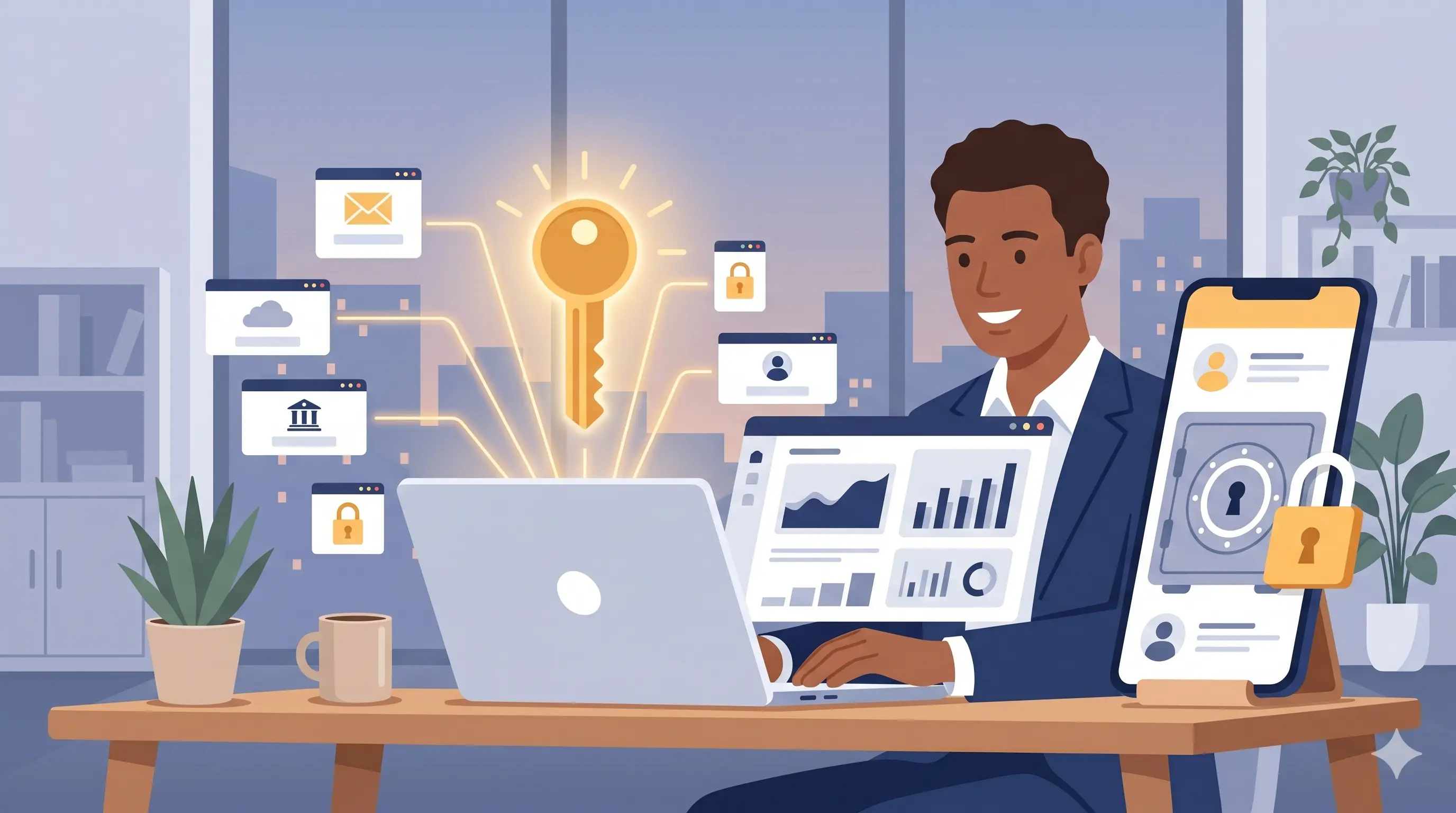
A password manager is an application designed to simplify and secure the management of your digital credentials. It works like a virtual vault where you can store all your passwords, accessible through a single master password.
But this tool doesn't stop at storage: it can also automatically generate strong, unique, and complex passwords for each of your accounts. When you log in, the manager can fill in the credentials for you, so you never have to type — or even memorize — your passwords.
Modern password managers typically sync across your devices, giving you access to your credentials whether you're on a computer, phone, or tablet. Some go even further by monitoring data breaches on the web and alerting you if one of your passwords has been compromised, so you can update it quickly and strengthen your security.
But why a password manager specifically?
Time savings and efficiency
Let's picture it together!
You're trying to access an account you rarely use. You enter your username and password… no luck, wrong credentials. Thankfully, you wrote it down somewhere — in a notebook, or worse, on a scrap of paper. But which one? And where did you put it? Safe from prying eyes… and apparently from yours too. You end up wasting precious time hunting for it.
Eventually, you give up and click "Forgot password." The reset email takes forever to arrive, and now you have to come up with a new password. Not too simple, but easy to remember… and, above all, different from the others. A tougher task than it sounds. More time wasted.
Now, imagine you're using a password manager.
You log into the app with a master password — complex and unique, but easy to remember, because it's the only one you need. In a few clicks, you find the credentials you're looking for and copy-paste them directly. No notebook to dig through, no reset to deal with.
One password, four clicks… and you're logged in. Fast, simple, effective.
Stronger security
Having worked as an account manager myself, I know firsthand how challenging it can be to create unique passwords for each new employee.
After creating a few, inspiration runs dry… and it becomes tempting to settle for something like Hello1234. That's exactly the moment a password manager becomes a valuable ally.
This kind of tool automatically generates complex, unique passwords for every account while storing them securely. It dramatically reduces the risks tied to password reuse, weak or predictable choices, and phishing attacks.
A password manager, for its part, never runs out of imagination.
On top of that, some managers include breach monitoring features. They alert you if one of your passwords is exposed in a data leak, so you can react quickly and shore up your security.
Secure access sharing
Let's picture it again!
In your small team or department, some accounts are shared — whether for ordering supplies or for tools tied to running the business. To avoid being constantly asked for the credentials, you create an Excel file listing all the passwords. But one day, that file gets moved by mistake, deleted… or worse, a security breach gives a cybercriminal access to it. The result: you have to change every password, urgently.
This is where a password manager becomes a strategic tool.
Because it isn't directly tied to your server, it stays out of reach even in the event of a breach. It also lets you share credentials securely with your team members. You can create groups and assign access based on each person's role or needs.
The result: less risk of information leaks, more autonomy for your colleagues, and centralized, secure, and efficient management of shared access.
In summary
A password manager isn't a luxury in today's digital world — it's a necessity. It protects your data, simplifies your daily routine, and strengthens your company's security. Whether you're on your own or part of a team of four, it's a simple investment that can save you a lot of trouble.